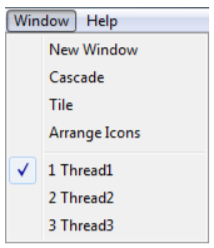
Window menu allows drawing windows manipulation. User can create new windows or choose how the windows will show up in ThreadsES. User can also switch drawings using the menu.
New window creates new drawing window. Window can be maximized through the interface or use can resize it manually. When one drawing windows is maximized, other windows cannot be seen.
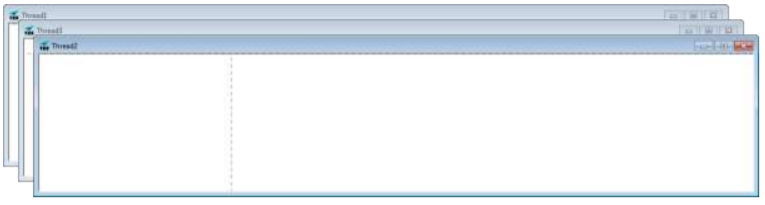
Cascade resizes all windows to their default size when they are created and aligns them diagonally. User can manipulate each window (resize / reposition). When window is selected it’s highlighted and shows up in front of other windows.
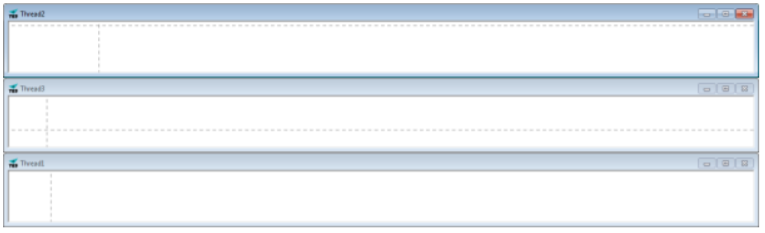
Tile windows will align all drawing windows, align them vertically and fit them inside the interface. User can change the position or size of the drawing windows. Reapplying Tile will reset its size again. Tiled windows size depends on the number of active drawing windows. When user selects window it gets highlighted.
After the Arrange Icons option, there is a list of all drawing windows. Clicking on any window name activates that window. if the previous window was maximized, selected window will also be maximized. In any other case, selected window will be highlighted and possible brought up in front of all other windows.

Comments
0 comments
Please sign in to leave a comment.